In view of the EU’s Cyber Resilience Act and an abundance of caution, we have withdrawn all our free software.
This tool is no longer being developed or maintained.
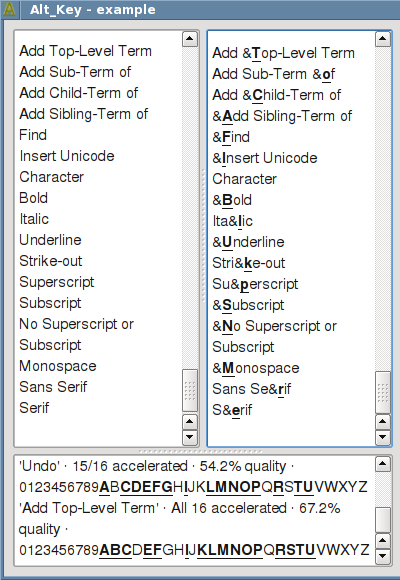
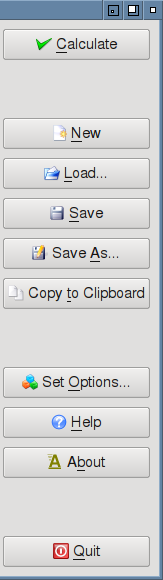
The program makes it straightforward for developers to find the right characters to use as accelerators for menu option texts and for dialog labels. This helps make GUI programs more usable by catering for users who can't use the mouse and for fast typists who don't want to use the mouse.
It is also possible to #include the C++ module and have
accelerators created automatically at runtime—for example, at the
end of each form's constructor: this is what the Alt_Key program itself
does. For further examples of use see the Advanced
Qt Programming book and its accompanying examples. See also the Alt_Key Library documentation.
Alt_Key is licensed under the GNU General Public License v 3 open source license. The C++/Qt 4 version is no longer available; see our rust accelhints for an alternative.
If you like Alt_Key, you might like to buy one of my books. I also provide training in Python, PySide, and PyQt.
Your Privacy • Copyright © 2006 Qtrac Ltd. All Rights Reserved.